What is a canonical tag, and when should you use one?
guide // , 5 min read, by Darthwares
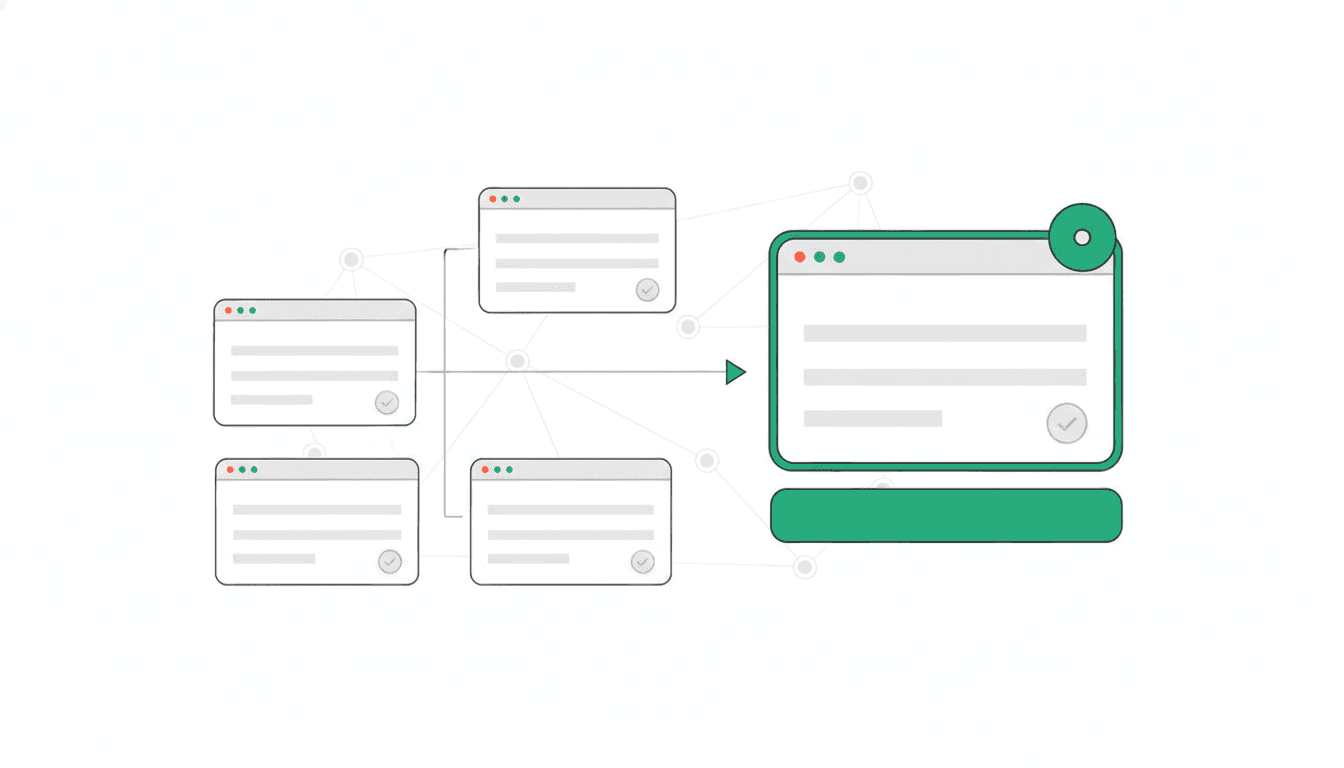
A canonical tag, formally known as a rel="canonical" link element, is an HTML element that you place in the <head> section of a web page. Its purpose is to indicate to search engines that another page is the preferred or authoritative version of the content. This helps consolidate signals for similar or duplicate pages, ensuring that search engines focus their processing on the designated canonical URL.
On this page // 6 sections
The short version
- For Google Search, a rel="canonical" tag is a strong signal for identifying the preferred version of a page.
- It helps consolidate ranking signals for duplicate or very similar content across multiple URLs.
- Google advises using absolute paths for canonical URLs and including a self-referential canonical on the preferred page.
- Google recommends avoiding conflicting canonicalization methods, such as different canonicals in a sitemap and with a rel="canonical" tag.
What is a canonical tag?
A canonical tag, formally known as a rel="canonical" link element, is an HTML element that you place in the <head> section of a web page. MDN Web Docs states that this element defines a relationship between the current document and a linked resource, and is valid for the <link> element to define the preferred URL for the current document.
The IETF describes the "canonical" link relation as designating a preferred URL over resources with duplicative content. Its primary function is to help applications like search engines understand which version of a page they should focus on. Once a canonical URL is specified, search engines can concentrate their processing on this preferred version, and content from the non-canonical, or "context," URLs is likely to be disregarded as duplicative. The content at the designated canonical URL must be either identical to or a superset of the content on the referring page.
Why use a canonical tag?
The main reason to use a canonical tag is to consolidate signals for similar or duplicate pages on your website. Many websites naturally have multiple URLs that display identical or very similar content. Without a canonical tag, search engines might treat these as separate pages, potentially diluting their ranking signals.
By specifying a canonical URL, you help search engines reduce duplicate content issues, as MDN Web Docs notes. This ensures that search engines focus their processing on your preferred version of the page, rather than splitting attention across multiple identical copies. Google Search Central documents that if you do not specify a canonical URL, Google will identify which version of the URL it considers objectively the best to show to users in Search results.
How do search engines use the canonical tag?
Google Search Central documents that Google Search considers the rel="canonical" link annotation a strong signal when determining the authoritative version of a page. When you specify a canonical URL for duplicate or very similar pages, you are indicating your preference to Google Search.
The IETF's specification for the canonical link relation notes that applications like search engines can focus their processing on that specific URL. This means that content from the non-canonical URLs is likely to be disregarded because it is seen as duplicative.
However, it is important to note that if you do not specify a canonical URL, Google will independently determine which version of the URL it considers the best to show to users in search results.
What are the rules for implementing a canonical tag?
Implementing canonical tags correctly requires adherence to specific guidelines. The IETF's specification states that you must specify only one canonical link relation for a given resource. Using multiple canonical tags on a single page can create conflicting signals for search engines.
Google Search Central advises using absolute paths rather than relative paths with the rel="canonical" link element. For example, use https://example.com/page/ instead of /page/. It is also a best practice to include a rel="canonical" link on the canonical page itself; this is known as a self-referential canonical.
The IETF further specifies that the content identified by the target canonical URL must be either duplicative of or a superset of the content on the referring page. Furthermore, Google Search Central recommends avoiding specifying different URLs as canonical for the same page using different canonicalization techniques. For instance, do not specify one URL in a sitemap and a different URL for that same page using a rel="canonical" tag.
Finally, the IETF's specification advises that you should avoid designating a URL that is the source of a permanent redirect (HTTP 300 or 301 response codes) as the canonical target.
Can a canonical tag be misused?
While canonical tags are a valuable tool for SEO, the IETF's specification warns they can be misused, particularly in the event of a website compromise. If a site is attacked, the canonical link relation can be implemented with malicious intent. An attacker could designate their own URL as the preferred version of your content, potentially diverting traffic or search engine authority to their site. This underscores the importance of maintaining robust website security to prevent unauthorized modifications to your site's HTML and critical SEO elements.
Common questions
What is the rel attribute?
MDN Web Docs states that the rel attribute defines the relationship between a linked resource and the current document. It takes a value that is an unordered set of unique space-separated keywords. MDN Web Docs notes that while relevant to elements like <link>, <a>, <area>, and <form>, some values are only applicable to a subset of these elements. If the rel attribute is omitted or its values are not supported, then MDN Web Docs explains the document has no particular relationship with the destination resource beyond being a hyperlink.
What happens if I don't use a canonical tag?
Google Search Central documents that if you do not specify a canonical URL for duplicate or very similar pages, Google will identify which version of the URL it considers objectively the best to show to users in Search results. While search engines are capable of making this determination, explicitly stating your preference with a canonical tag can help consolidate signals more effectively.
Can I use relative paths for canonical tags?
Google Search Central advises that you should use absolute paths rather than relative paths with the rel="canonical" link element. An absolute path includes the full domain, such as https://example.com/page/, ensuring clarity and preventing potential misinterpretations by search engines.
How many canonical tags can a page have?
The IETF's specification states that you should specify only one canonical link relation for a resource. Using multiple canonical tags on a single page can send conflicting signals to search engines, potentially leading them to ignore your specified preferences or make their own determination.
What kind of content should a canonical URL point to?
The IETF's specification for the canonical link relation states that the target, or canonical, URL must identify content that is either duplicative of or a superset of the content at the context, or referring, URL. This means the canonical page should contain the same information or more comprehensive information than the pages pointing to it.
Primary sources and further reading
This article was researched and written by an AI model and published automatically. It was written from sentences that were checked to appear on the pages below, but a person has not reviewed the text. If something is wrong, tell us at chibivikramathithan@darthwares.com and we will correct it.