Noindex vs robots.txt disallow: which one should you use?
guide // , 4 min read, by Darthwares
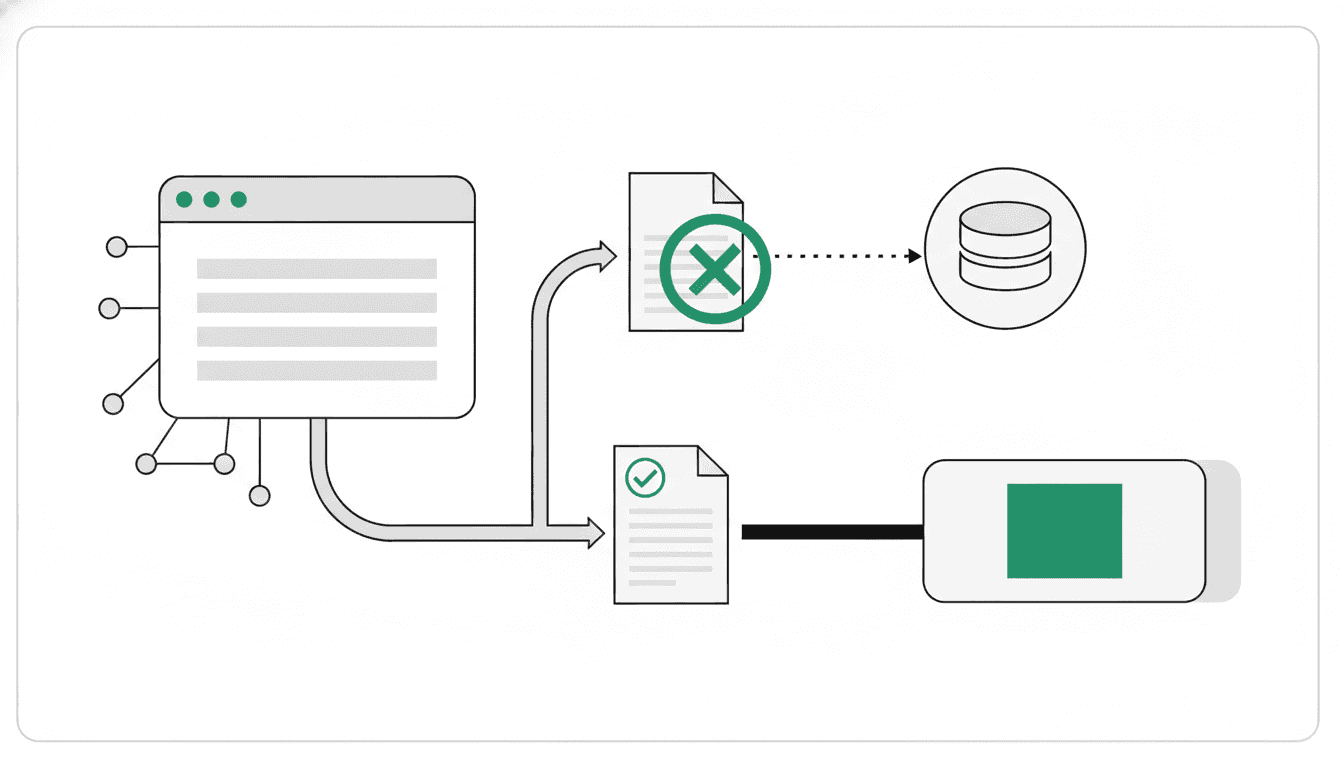
The choice between noindex and robots.txt disallow depends on whether you want to prevent a page from appearing in search results or prevent search engine crawlers from accessing it. Noindex tells search engines not to show a page in their results, while robots.txt disallow instructs crawlers not to visit specific URLs. Understanding their distinct functions is crucial because combining them can lead to unintended outcomes.
On this page // 8 sections
- 01What is the difference between noindex and robots.txt disallow?
- 02How does noindex work?
- 03How does robots.txt disallow work?
- 04Why should you not combine noindex and robots.txt disallow?
- 05When should you use noindex?
- 06When should you use robots.txt disallow?
- 07What are other ways to hide a page from search results?
- 08Common questions
The short version
- Use noindex to prevent a page from appearing in search results.
- Use robots.txt disallow to prevent crawlers from accessing specific URLs.
- Do not combine noindex with robots.txt disallow for the same page.
- A page blocked by robots.txt can still be indexed if linked elsewhere.
- For noindex to work, the page must be accessible to crawlers.
What is the difference between noindex and robots.txt disallow?
Noindex is a rule that prevents content from being indexed by search engines that support it, such as Google. Google documents that when Googlebot crawls a page and extracts the noindex tag or header, Google will drop that page entirely from Google Search results, focusing on its visibility.
A robots.txt file tells search engine crawlers which URLs they can access on your site. Located at https://www.example.com/robots.txt, its main purpose is to manage crawler access and prevent server overload.
Google clarifies that robots.txt is not for hiding web pages from Google Search results. While it prevents crawling, it does not guarantee the page will not appear in search results.
How does noindex work?
Noindex is implemented as a <meta> tag in the <head> section, like <meta name="robots" content="noindex">, or as an X-Robots-Tag HTTP header with noindex or none.
When Googlebot crawls a page and finds this directive, Google will remove that page from its search results, even if other sites link to it.
For noindex to be effective, the page must be accessible to the crawler and not blocked by robots.txt. If blocked, the crawler won't see the noindex rule, and the page could still appear in search results. Use Google's URL Inspection tool to verify.
How does robots.txt disallow work?
A robots.txt file, typically at the website's root, contains rules specifying which URLs crawlers are allowed or disallowed to access. A site owner can forbid crawlers from a path or specific file.
Its main purpose is to manage crawler traffic, preventing server overload and excessive bandwidth consumption. Google states it is not intended to keep web pages, including PDFs, out of Google Search results.
Even if a page is blocked by robots.txt, its URL can still appear in search results, often without a description. This can happen if other sites link to it, allowing the URL to be indexed without its content being crawled.
Why should you not combine noindex and robots.txt disallow?
Google warns that combining multiple crawling and indexing rules might cause some rules to counteract other rules.
For the noindex rule to be effective, the page or resource must not be blocked by a robots.txt file, and it has to be otherwise accessible to the crawler.
If the page is blocked by a robots.txt file, the crawler will never see the noindex rule, and the page can still appear in search results, for example if other pages link to it.
When should you use noindex?
Use noindex when you want content removed from search results, but the page should remain accessible to users or linked internally. This is the proper way to prevent a URL from appearing in Google Search results while keeping the page live.
Google documents that the noindex rule ensures that once Googlebot processes the page and finds the directive, Google will drop that page from Google Search results. For this to happen, the page must be crawlable.
When should you use robots.txt disallow?
Use robots.txt disallow to manage crawler traffic, preventing access to specific URLs. This helps avoid server overload and bandwidth consumption, for example, for large non-public sections or dynamic URLs.
You can forbid crawlers from a path or file. However, Google states that robots.txt disallow is not a means to hide web pages from Google Search results.
What are other ways to hide a page from search results?
To ensure a page is completely inaccessible to search engines and the public, password-protect the files on your server. This restricts access to authorized users, making content unavailable to crawlers.
Alternatively, remove the page entirely from your website. Deleting content that is no longer needed or relevant is the most definitive way to prevent a URL from appearing in Google Search results.
Common questions
Can a page blocked by robots.txt still appear in search results?
Yes, if other sites link to it. The search result will typically lack a description because the crawler couldn't access the content.
How do I implement noindex?
Place <meta name="robots" content="noindex"> in the <head> or use an X-Robots-Tag HTTP header with noindex or none.
What is the main purpose of a robots.txt file?
To tell crawlers which URLs they can access, primarily to avoid overloading your site with requests and manage bandwidth.
How can I check if my noindex implementation is working?
Use Google's URL Inspection tool to see the HTML Googlebot received, confirming the noindex rule's presence.
Does robots.txt hide my web pages from Google Search?
No, Google states it's not a mechanism for hiding pages. While it prevents crawling, the URL can still appear in search results if linked from other sites.
Primary sources and further reading
This article was researched and written by an AI model and published automatically. It was written from sentences that were checked to appear on the pages below, but a person has not reviewed the text. If something is wrong, tell us at chibivikramathithan@darthwares.com and we will correct it.