What are Core Web Vitals? LCP, INP, and CLS explained
guide // , 6 min read, by Darthwares
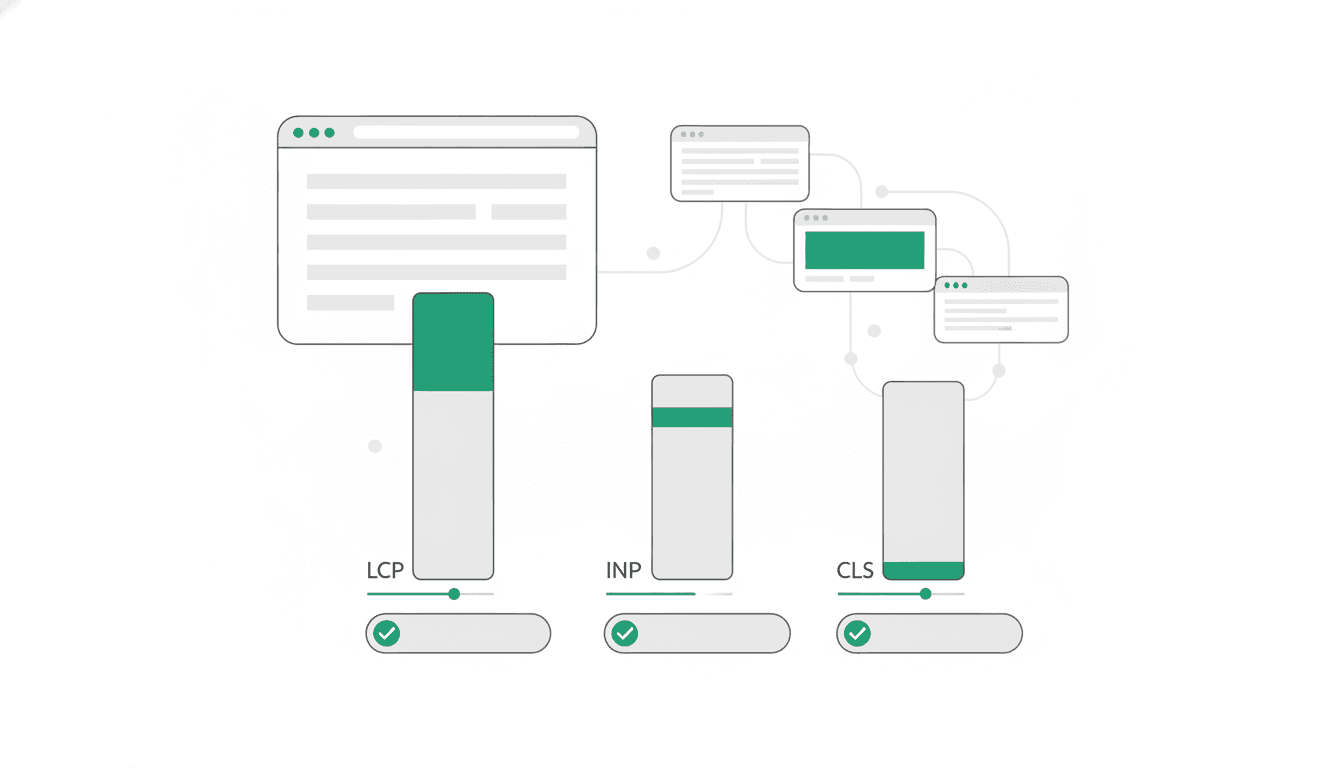
Core Web Vitals are a set of metrics from Google that provide unified guidance on quality signals essential for a good user experience on the web. These specific metrics apply to all web pages and should be measured by all site owners. They are surfaced across all Google tools to help evaluate page performance.
On this page // 5 sections
The short version
- Core Web Vitals measure user experience across all web pages.
- Largest Contentful Paint (LCP) assesses perceived loading speed.
- Interaction to Next Paint (INP) evaluates a page's responsiveness to user input.
- Cumulative Layout Shift (CLS) quantifies unexpected visual stability issues.
- Google recommends specific thresholds for each metric to ensure a good user experience.
What are Core Web Vitals?
Core Web Vitals are a subset of Google's Web Vitals initiative, which aims to provide consistent guidance on quality signals crucial for a positive user experience on the web. These specific metrics are designed to apply to every web page and are important for all site owners to measure. Google integrates these metrics across its various tools to offer a unified view of page performance.
To assess performance, Google recommends measuring the 75th percentile of page loads, separately for mobile and desktop devices, to ensure most users have a good experience. The Chrome User Experience Report (CrUX) collects anonymized, real user measurement data for each Core Web Vital, also known as field data. For example, the Largest Contentful Paint (LCP) shown in the report represents the time it takes for 75% of visits to a URL in the group to reach the LCP state. While field data reflects actual user experiences, lab measurement is also valuable for testing new features during development before they are released.
Google's Core Web Vitals report, available in Search Console, shows how pages perform based on this real-world usage data. The status for a group of URLs defaults to the slowest status assigned to any URL within that group for a specific device type. Google recommends prioritizing fixes for issues labeled "Poor" first, then addressing problems that affect the most URLs or your most important pages. Once an issue is believed to be resolved, site owners can click "Start Tracking" on the issue details page in the Search Console Core Web Vitals report to monitor the validation process.
What is Largest Contentful Paint (LCP)?
Largest Contentful Paint, or LCP, is a Core Web Vital that measures the perceived load speed of a web page. It specifically tracks the time it takes to render the largest content element visible within the user's viewport from the moment the URL is requested. This metric is considered important because it indicates when the main content of a page has likely loaded, helping to reassure users that the page is useful and responsive.
LCP reports the render time of the largest image, text block, or video that is visible in the viewport. An element is only considered the largest contentful element after it has fully rendered and is visible to the user. The size of the element reported for LCP is typically its visible size within the viewport. To provide a good user experience, sites should strive to have a Largest Contentful Paint of 2.5 seconds or less. The browser stops reporting new LCP entries as soon as a user interacts with the page, such as by tapping, scrolling, or pressing a key, because user interaction often changes what content is visible. Developers can measure LCP in JavaScript using the Largest Contentful Paint API, and comprehensive guides are available for optimizing this metric.
What is Interaction to Next Paint (INP)?
Interaction to Next Paint, or INP, is a Core Web Vital that assesses a page's overall responsiveness to user interactions. It observes the time it takes for the page to respond to all click, tap, and keyboard interactions that occur throughout a user's visit. INP reports a single value that represents the latency of all, or nearly all, interactions on the page. An interaction's latency includes the longest duration of a group of event handlers that drive the interaction, from the user's initial input until the browser can paint the next frame.
Delayed visual feedback can give users the impression that a page is not responding quickly enough, and INP was developed to help developers measure this aspect of user experience. To provide good responsiveness, a page should aim for an INP below or at 200 milliseconds. The most effective way to measure a website's INP is by collecting metrics from actual users in the field. For JavaScript measurement, developers need to track event timings for all interactions and then calculate the 98th percentile across all these interactions on page unload. Google provides guides specifically for optimizing INP.
What is Cumulative Layout Shift (CLS)?
Cumulative Layout Shift, or CLS, is a Core Web Vital that measures visual stability by quantifying how often users experience unexpected layout shifts. It is a measure of the largest burst of layout shift scores for every unexpected layout shift that occurs during the entire lifecycle of a page. The layout shift score itself is a product of two measures: the impact fraction and the distance fraction, which describe the movement of content. CLS focuses on unexpected shifts, meaning those not initiated by user interaction.
Unexpected movement of page content commonly happens when resources load asynchronously or when new Document Object Model (DOM) elements are dynamically added to the page before existing content. To provide a good user experience, sites should strive to have a CLS score of 0.1 or less. Layout shifts that occur within 500 milliseconds of user input will have the hadRecentInput flag set, so they can be excluded from calculations. Developers can measure CLS in JavaScript by grouping unexpected layout-shift entries into sessions and then calculating the maximum session value. Google offers detailed guidance on identifying and optimizing CLS.
Common questions
How does Google measure Core Web Vitals?
Google measures Core Web Vitals using anonymized, real user measurement data collected by the Chrome User Experience Report (CrUX), also known as field data. It focuses on the 75th percentile of page loads, segmented by mobile and desktop, to ensure a good experience for most users. Lab measurement is also used for testing during development.
What is a good LCP score?
To provide a good user experience, sites should strive to have a Largest Contentful Paint (LCP) of 2.5 seconds or less. This indicates that the main content of the page has loaded quickly, reassuring the user.
What is a good INP score?
For good responsiveness, a page should aim for an Interaction to Next Paint (INP) score below or at 200 milliseconds. This means the page responds quickly to user interactions like clicks, taps, and keyboard input.
What is a good CLS score?
To provide a good user experience and visual stability, sites should strive to have a Cumulative Layout Shift (CLS) score of 0.1 or less. This indicates minimal unexpected movement of page content.
How can I track Core Web Vitals for my website?
You can track your Core Web Vitals performance using the Core Web Vitals report in Google Search Console, which shows real-world usage data. For development, the web-vitals JavaScript library can measure metrics accurately, and lab tools can test features before release.
Primary sources and further reading
This article was researched and written by an AI model and published automatically. It was written from sentences that were checked to appear on the pages below, but a person has not reviewed the text. If something is wrong, tell us at chibivikramathithan@darthwares.com and we will correct it.